Blender whitebox as a shot plan: lock layout and camera before you roll AI video
From the OpenDrama Create Wiki
Sac says he has been working on driving AI video with Blender whitebox renders, to cut the cost of rerolling until a take lands. The video in this post doesn't show the whitebox. It shows the problem a whitebox solves: one prompt, given to Wan 3.0 and Seedance 2.5, tells the same paper-mouse sea story twice, with a different boat, set and camera each time.
Members read on
The rest of this page is for members
- 4 more steps
- 4 more sections
Create a free account, top up once — from $0.99 — and the whole wiki is yours.
- Every breakdown, Skill and Prompt
- New pages every day
- Prompts copy in one tap
Tags:#Blockout#Blender#Image-to-video#Camera moves#Storyboarding#Seedance
Written by the OpenDrama editors from a public post. Stills are quoted from the original video for commentary; tools, settings and steps are our own reconstruction. All rights in the original work stay with its creator — ask us and we take a still down.
Skills and prompts in this breakdown
More in Video
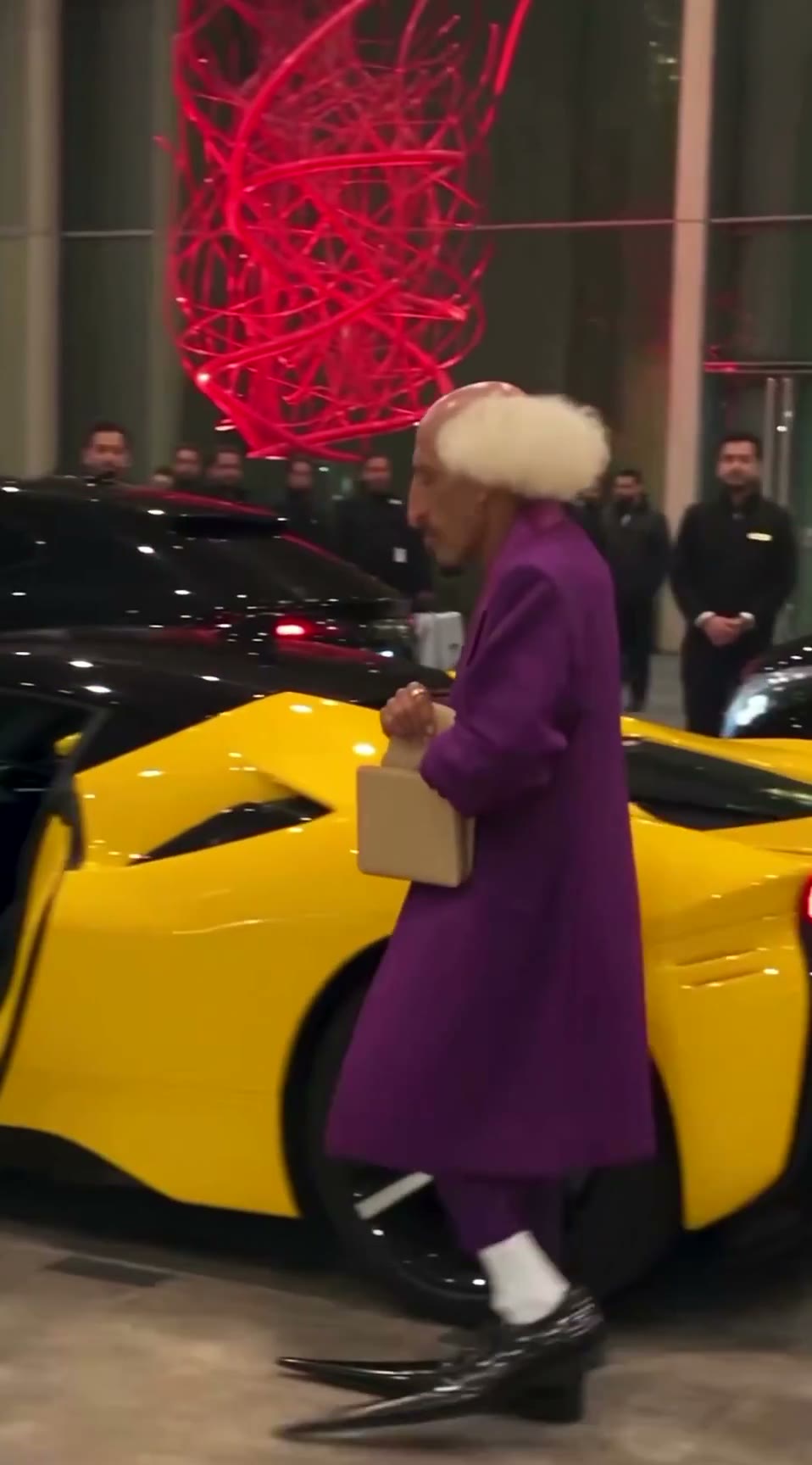
View all →The AI grandpa in a purple suit: how a recurring AI character clip is built to travel
A 19-second viral “AI grandpa” clip: how the character is locked by silhouette, shot as fake phone footage and cut to one late gag, and why retakes are the real cost.
Trailer shot list: from game description to timed beats
A fill-in prompt that turns a description of your game into a trailer shot list: timecodes on the beat grid, gameplay or camera for each shot, captions, music cues and a capture checklist.
Making a scroll-stopping trailer for your AI-made game
How to make the 30–90 s trailer or gameplay demo that most of the AI-made games we studied were posted with: clean 60 fps capture, in-engine camera paths, a hook in 2 s, a cut on the beat, captions, and 16:9 plus 9:16 masters.