Cinematic shot prompt: subject, camera, lens, light, motion
From the OpenDrama Create Wiki
Most weak AI video prompts aren't too short; they're out of order. Mood words come first, the subject is buried in the middle, the camera is mentioned last or not at all, and two moves that contradict each other share a sentence. This template fixes the order and the vocabulary: what the frame is, who is in it, what they do, how the camera sees it, how it's lit, how it should feel, and what must not change.
It comes in three versions that share the same slots: a full shot for text-to-video, a still for making keyframes in an image model, and a motion-only layer for image-to-video. One shot description carries through the whole pipeline.
What it's for
Use it when a shot has to look directed rather than generated: game trailer shots, short-drama coverage, ad inserts, establishing shots. It works with current video models (Kling, Veo, Seedance, Hailuo, Runway, Sora) and with the image models you use for keyframes (Midjourney, Nano Banana and the like), because they all parse the same film vocabulary: shot sizes, standard camera moves, focal lengths, light direction.
What it fixes:
- Ignored camera moves. Models weigh what comes early and what is stated plainly. The template names one move, by its standard name, on its own line.
- Flat "AI" light. Instead of "cinematic lighting" it asks for the key light's direction, quality and colour temperature.
- Drifting subjects. The subject slot is a fixed descriptor you paste unchanged into every shot of a sequence.
- Chaos. One action per shot, a speed word, and a Keep line for what must stay still.
Length targets: 50–90 words for text-to-video, 40–70 for a keyframe still, 20–50 for a motion-only prompt. In our tests, past about 120 words, models started dropping whole clauses, usually the last ones.
If you already have a good frame, send only the motion layer. The full template describes the image again and the style shifts; keyframe image-to-video explains why.
Members read on
The rest of this page is for members
- 5 copy-ready prompts
- 2 reference tables
- 6 more sections
Create a free account, top up once — from $0.99 — and the whole wiki is yours.
- Every breakdown, Skill and Prompt
- New pages every day
- Prompts copy in one tap
See also
Breakdowns that use this
More in Video
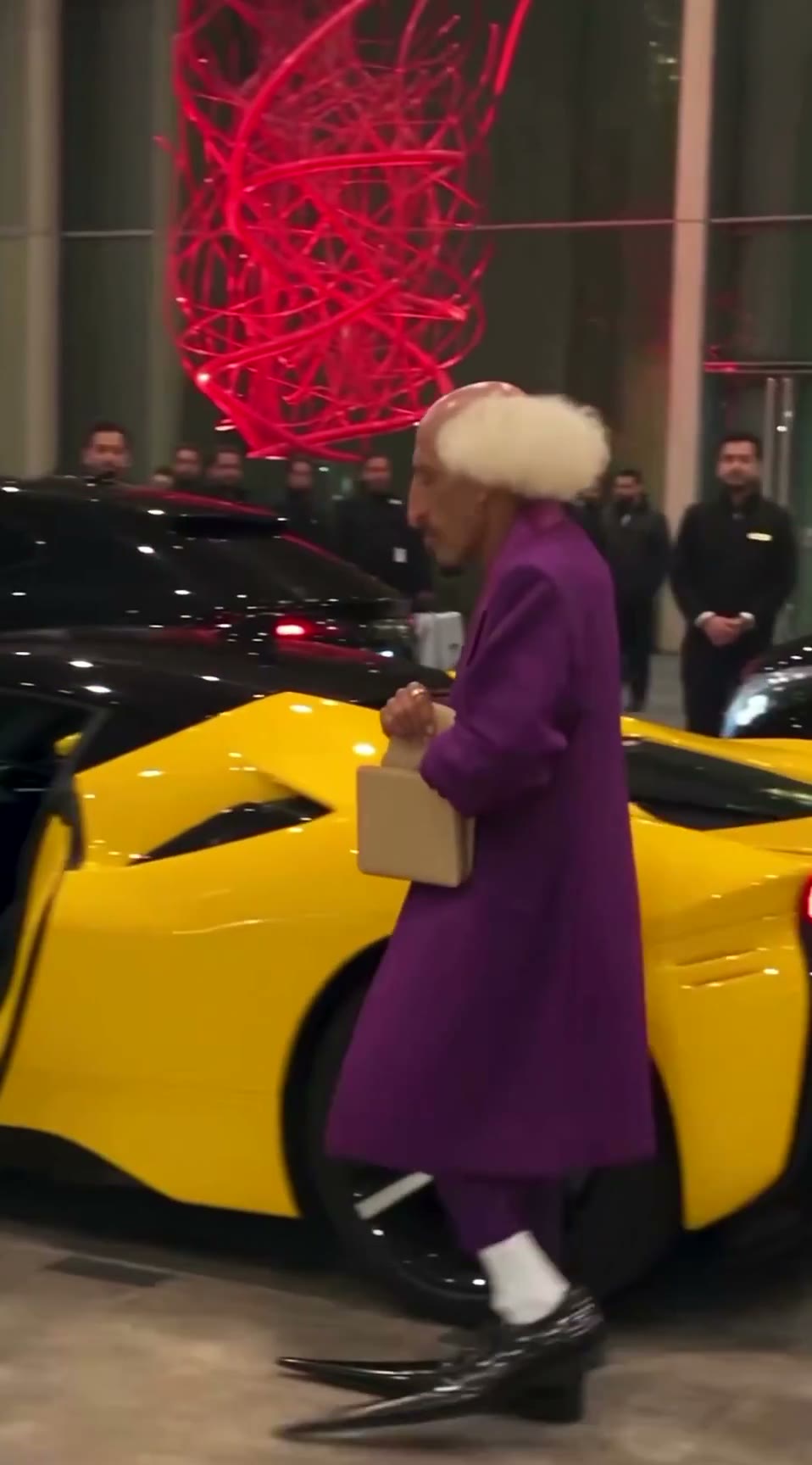
View all →The AI grandpa in a purple suit: how a recurring AI character clip is built to travel
A 19-second viral “AI grandpa” clip: how the character is locked by silhouette, shot as fake phone footage and cut to one late gag, and why retakes are the real cost.
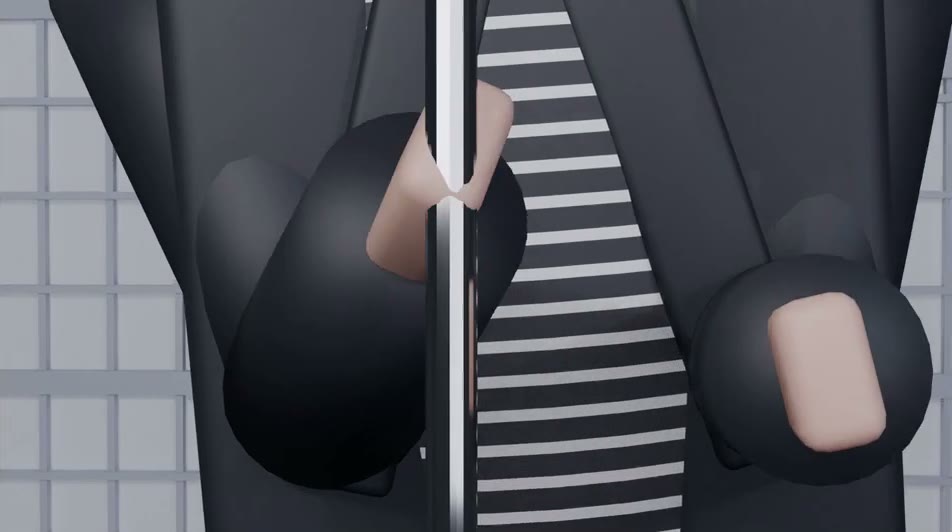
Blender whitebox as a shot plan: lock layout and camera before you roll AI video
Sac has been driving AI video with Blender gray-box renders to cut rerolls. His side-by-side shows why: one prompt, two models, two different stagings. How the whitebox route works.