Trailer shot list: from game description to timed beats
From the OpenDrama Create Wiki
This prompt turns a plain description of your game into a trailer plan you can record and cut from: every shot with timecodes, the beat it serves, what's on screen, how to set it up in the game, its caption and the music cue it lands on. It works in any capable chat model (Claude, ChatGPT, Gemini) and takes about ten minutes to fill in. The method behind it, from capture settings to export, is on the AI game trailer page.
What it's for
Run it before you record anything. Most trailers for AI-made games go wrong at the planning stage, not in the edit: the author records an hour of play, opens the editor and only then finds there is no hook, no wow moment and no shot that shows the core loop clearly. A shot list fixes that up front and doubles as the capture checklist.
What comes back:
- 10–16 shots for a 30 s cut (18–28 for 60 s), with in and out points that add up exactly and sit on the beat grid of your tempo.
- The beat each shot serves: hook, what it is, loop, turn, wow, title.
- Whether each shot is gameplay (player-controlled, HUD on) or a scripted camera, and how to reach it quickly (save state, seed, spawn).
- Captions of 3–6 words, timed so they can be read.
- Music cues by bar and beat ("10.1: drop") and the sound effects that should cut through.
- A capture list grouped by level, so each area gets recorded in one sitting.
- Three alternative hooks and an SRT file of the captions.
It is only as good as the facts you give it. Real mechanics, real places, one honest best moment and a list of what isn't ready to show get you a plan you can shoot. Vague adjectives get you a generic movie trailer with narration and features your game doesn't have.
It doesn't make the video, pick the music or judge whether the game looks good. Keep camera language open for the camera column, and see AI sound design for the track.
Members read on
The rest of this page is for members
- 4 copy-ready prompts
- 3 reference tables
- 6 more sections
Create a free account, top up once — from $0.99 — and the whole wiki is yours.
- Every breakdown, Skill and Prompt
- New pages every day
- Prompts copy in one tap
See also
Breakdowns that use this


More in Video
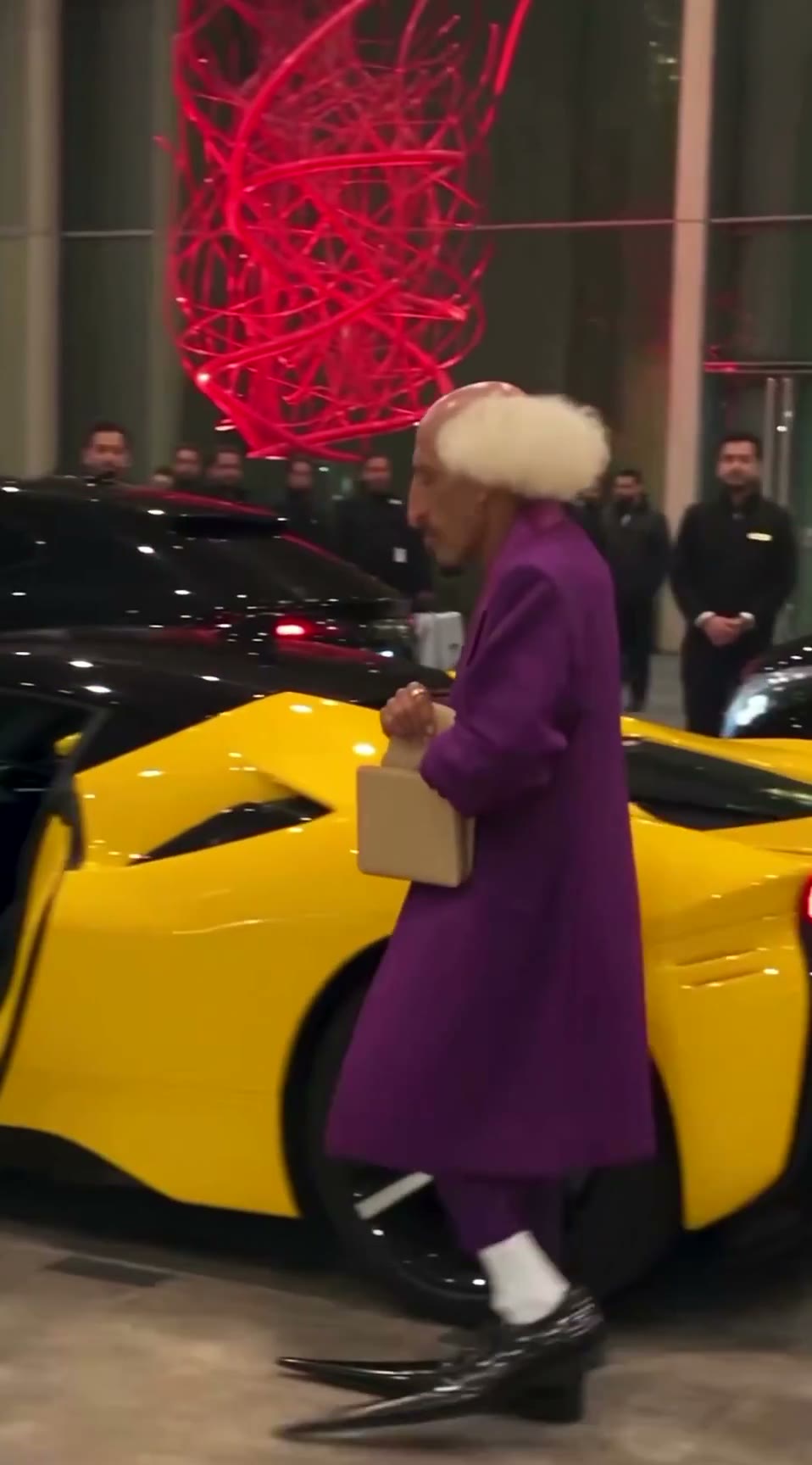
View all →The AI grandpa in a purple suit: how a recurring AI character clip is built to travel
A 19-second viral “AI grandpa” clip: how the character is locked by silhouette, shot as fake phone footage and cut to one late gag, and why retakes are the real cost.
Keyframe image-to-video: start/end frames and chaining
Build AI video from designed stills instead of text: start and end frames, 5–10 s clips chained into a sequence with identity and light held steady, the best takes picked, then upscaled and interpolated.
Blender whitebox as a shot plan: lock layout and camera before you roll AI video
Sac has been driving AI video with Blender gray-box renders to cut rerolls. His side-by-side shows why: one prompt, two models, two different stagings. How the whitebox route works.