Keyframe image-to-video: start/end frames and chaining
From the OpenDrama Create Wiki
Text-to-video gives you a shot; keyframes give you a sequence. You design the important frames as stills first, then ask a video model to travel from one to the next: a start frame, often an end frame, and a short prompt that describes only the motion. Look, character and light are decided in the stills, where a fix costs seconds. The video model only has to move things.
This page covers frame pairs a model can actually travel between, chaining 5–10 s clips without the face or the light drifting, picking takes, and finishing with upscaling and frame interpolation. Kling, Veo, Seedance, Hailuo, Runway and Sora are today's examples; the method carries over to whatever ships next.
When to use it
Use keyframes whenever something must stay the same across more than one clip: a recurring character, a product, a game's art style, a location you cut back to. Use them too when a shot has a fixed destination: a reveal that lands on a composed frame, a move that ends on a logo, a transition into real gameplay.
They fix three things text-to-video can't:
- Drift between shots. Every text prompt re-rolls face, costume and grade. Keyframes built from the same references hold them.
- Endings you don't control. With a start frame alone the model wanders; an end frame pins where the shot lands.
- Wasted credits. Iterating on a still takes seconds, on a 10 s clip minutes and credits. Fix composition before you animate.
Skip it for one-off atmosphere shots (rain on a window) where any good result will do, and for big physical choreography, a fight or a dance, that no pair of stills can describe. There, a start frame plus a strong motion prompt, or a reference video, works better.
Clip lengths at the time of writing: Kling, Seedance and Runway (5 or 10 s), Hailuo (6 or 10 s), Veo (8 s); Sora offers longer options. These change often; the logic below doesn't.
Members read on
The rest of this page is for members
- 11 more steps
- 2 reference tables
- 6 more sections
Create a free account, top up once — from $0.99 — and the whole wiki is yours.
- Every breakdown, Skill and Prompt
- New pages every day
- Prompts copy in one tap
See also
Breakdowns that use this
More in Video
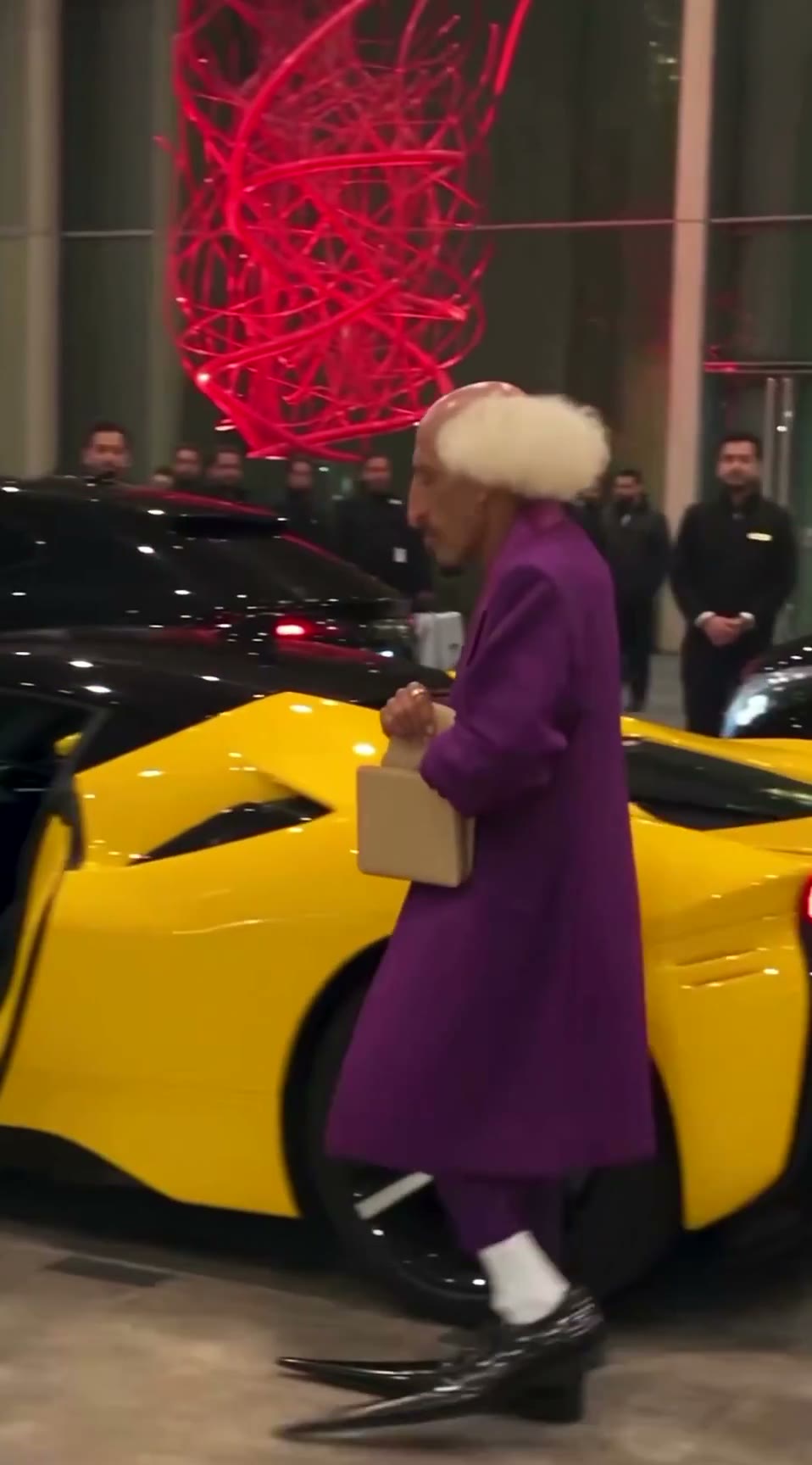
View all →The AI grandpa in a purple suit: how a recurring AI character clip is built to travel
A 19-second viral “AI grandpa” clip: how the character is locked by silhouette, shot as fake phone footage and cut to one late gag, and why retakes are the real cost.
Trailer shot list: from game description to timed beats
A fill-in prompt that turns a description of your game into a trailer shot list: timecodes on the beat grid, gameplay or camera for each shot, captions, music cues and a capture checklist.
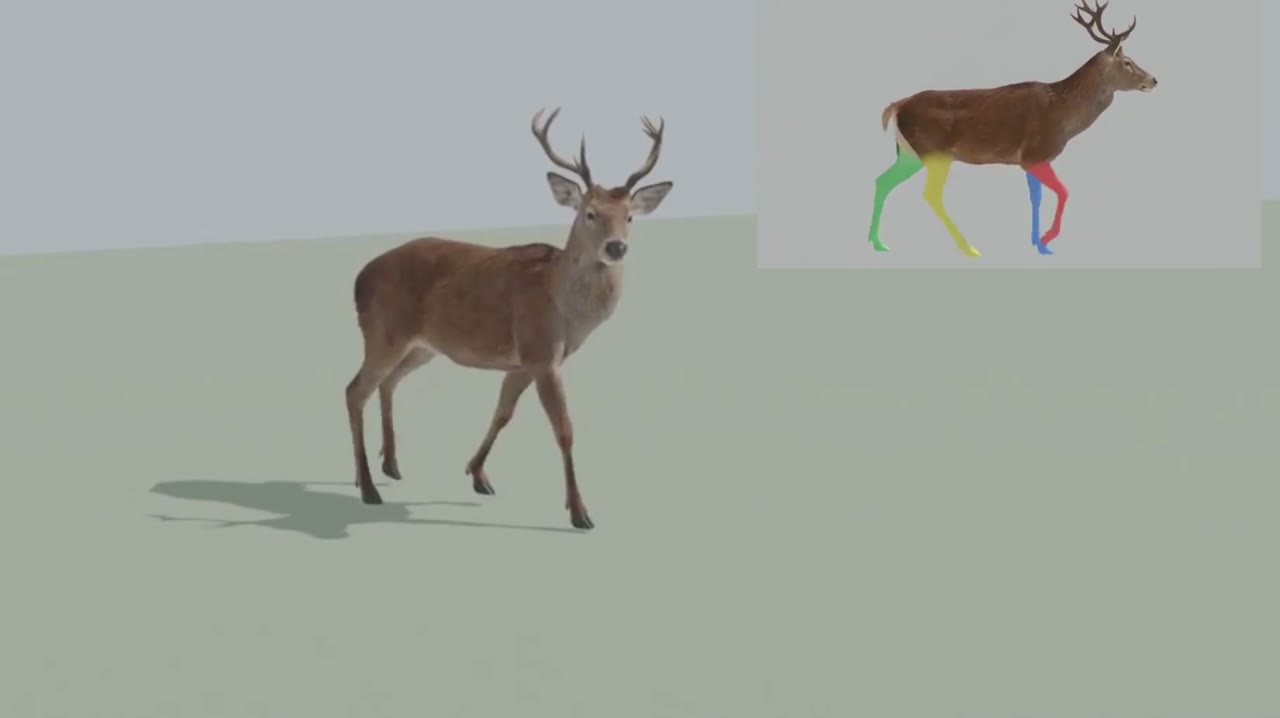
Blender whitebox as a shot plan: lock layout and camera before you roll AI video
Sac has been driving AI video with Blender gray-box renders to cut rerolls. His side-by-side shows why: one prompt, two models, two different stagings. How the whitebox route works.