Making a scroll-stopping trailer for your AI-made game
From the OpenDrama Create Wiki
Of the AI-game posts that spread on X, most of the ones we studied are a 30–90 second video the author cut themselves: a trailer or a raw gameplay demo. Good games still sink because the first two seconds are a logo, the capture stutters, the text is unreadable on a phone or the link is missing. This is the routine we use: a trailer mode in the game, clean 60 fps capture, scripted camera paths, a beat structure built around one wow moment, a cut timed to the music, and 16:9 plus 9:16 masters with burned-in captions. It works in any engine you can record, and the first trailer takes an afternoon to a day.
When to use it
Use it before you post a game (often one built with an AI coding model) on X, Shorts, TikTok, Reels, Steam, itch.io or OpenDrama. Use it again when earlier posts got views but no clicks, or replies asking whether the footage was real.
Pick the format first:
- Trailer: 20–45 s, 10–15 cuts, led by the music. It sells the mood and the best moment.
- Gameplay demo: 20–60 s, one to three long takes, game audio, a caption like "real-time capture, no cuts". It proves the game is real, and developer audiences on X often prefer it. Many authors post the trailer and put the demo in the first reply.
What the routine fixes, most common first:
- A slow start. Feeds autoplay muted and people decide in about two seconds. Frame 1 must already move and carry a readable claim. No logo, no fade from black.
- Dirty capture. Dropped frames, a variable frame rate, a cursor, an FPS counter or browser tabs make a finished game look like a prototype.
- No structure. A random montage has no peak. You need a hook, the core loop, an escalation, one wow moment and a title card with a link.
- The wrong aspect ratio. 16:9 in a 9:16 feed becomes a thin strip, and a blind centre crop loses the action.
Not covered here: making the game itself look better (console-grade look in Three.js) and the names of camera moves (camera language). If you only need the plan, the trailer shot-list prompt writes it.
Members read on
The rest of this page is for members
- 12 more steps
- 4 reference tables
- 6 more sections
Create a free account, top up once — from $0.99 — and the whole wiki is yours.
- Every breakdown, Skill and Prompt
- New pages every day
- Prompts copy in one tap
See also
Breakdowns that use this
More in Video
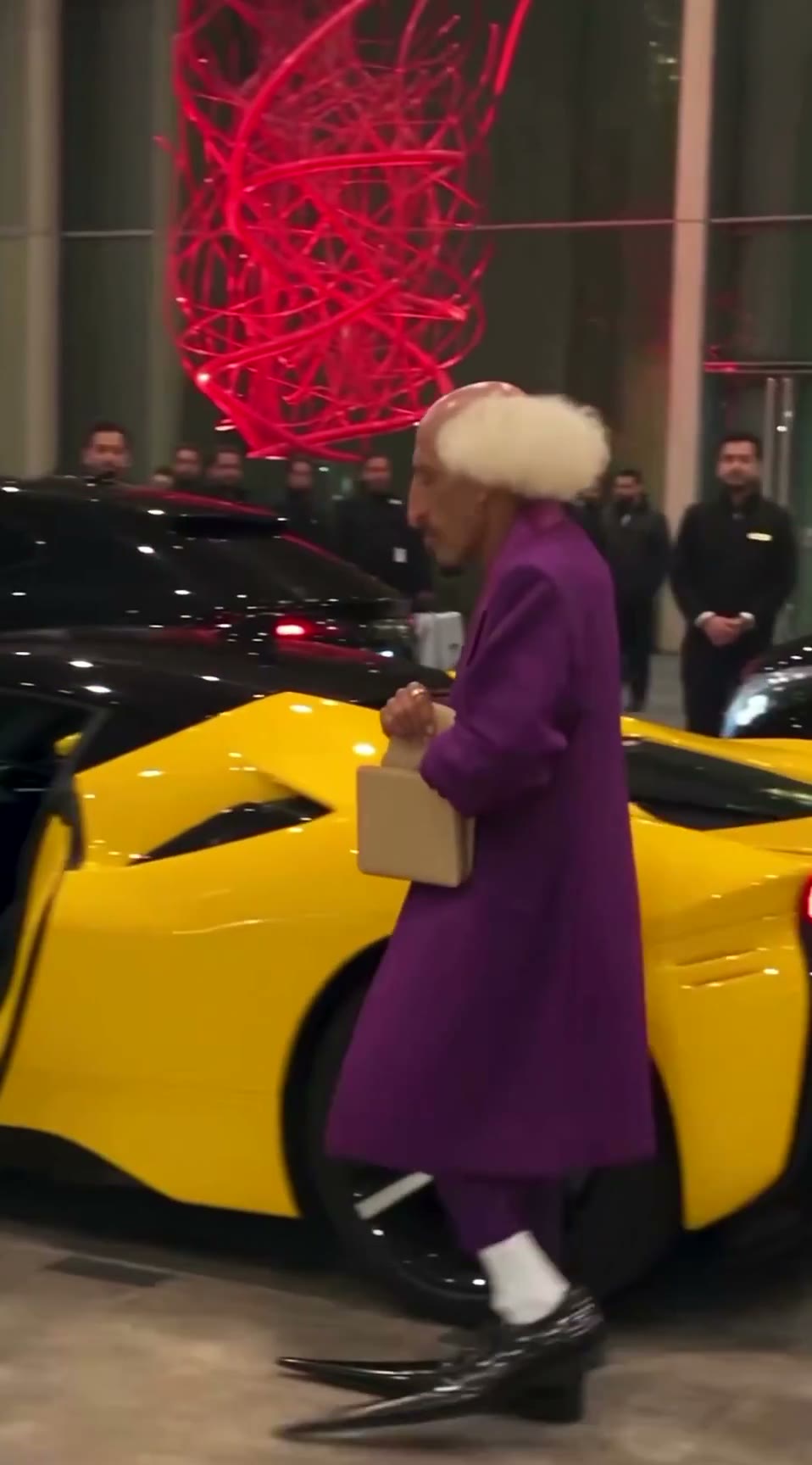
View all →The AI grandpa in a purple suit: how a recurring AI character clip is built to travel
A 19-second viral “AI grandpa” clip: how the character is locked by silhouette, shot as fake phone footage and cut to one late gag, and why retakes are the real cost.
Blender whitebox as a shot plan: lock layout and camera before you roll AI video
Sac has been driving AI video with Blender gray-box renders to cut rerolls. His side-by-side shows why: one prompt, two models, two different stagings. How the whitebox route works.