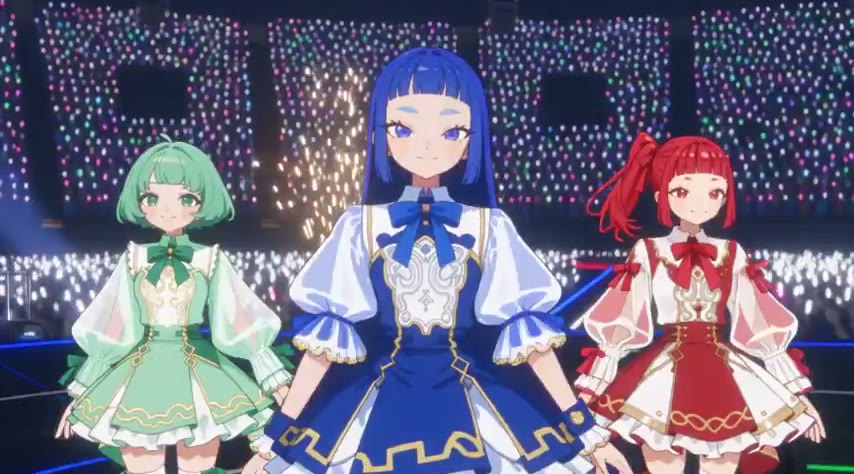
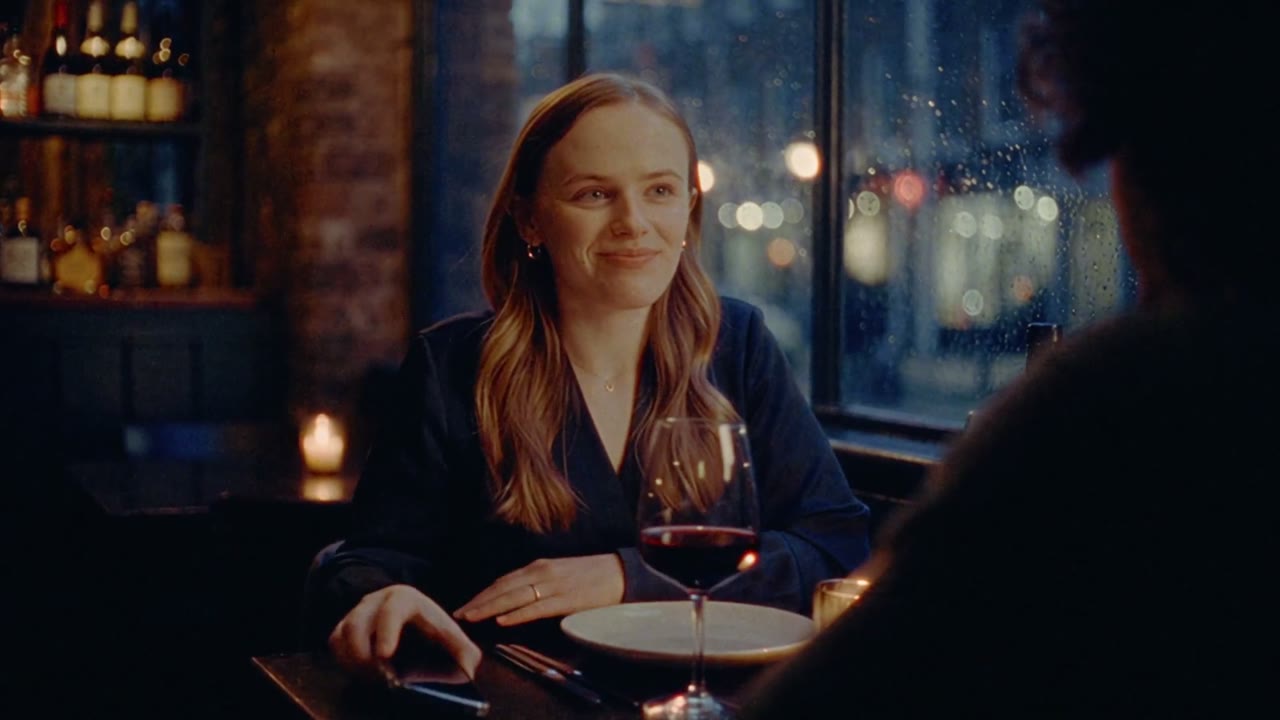
Character sheet prompt: master, turnaround, colours
From the OpenDrama Create Wiki
A character sheet is the one set of images every later picture, 3D model and video shot of a character gets checked against: a full-body front view, a turnaround, a few expressions and the colours. This page gives four prompt templates that produce it in an order that actually holds together (master first, then views derived from it), plus the identity block you paste into every prompt afterwards.
What it's for
Use it at the start of any project where a character comes back more than a few times: a game hero who will be modelled in 3D and cut into a trailer, the lead of a short drama, a mascot, a storybook cast. The sheet does three jobs:
- It is the master. Every new image and every video shot is compared to it, so drift has something to be measured against.
- It feeds the tools. The front, side and back views go straight into reference slots (Midjourney's Omni Reference, Nano Banana Pro's multi-image input, Kling elements, Veo ingredients, Seedance tagged images) and into multi-view image-to-3D.
- It produces the identity block, a fixed 40–70 word description that keeps text prompts saying the same thing every time.
The common mistake is asking for the whole sheet in one image straight away. Models treat each panel as a fresh drawing, so you get five similar people instead of one. These templates fix the order: lock one front view, derive every other view from it, and only use the one-image sheet when the master is attached. Not for: one-off characters, crowds, or designs you're still exploring loosely. For a single 3D-ready concept, see concept images for image-to-3D.
Members read on
The rest of this page is for members
- 7 copy-ready prompts
- 1 reference tables
- 6 more sections
Create a free account, top up once — from $0.99 — and the whole wiki is yours.
- Every breakdown, Skill and Prompt
- New pages every day
- Prompts copy in one tap