Found-footage handheld in Seedance 2.5: how a 30-second one-take fight prompt is built
From the OpenDrama Create Wiki
TechHalla's fan clip of two famous anime fighters tearing up a downtown intersection runs 30 seconds in one take, as if a bystander filmed it on a phone. He posted the full Seedance 2.5 prompt with it, which makes it a clean case study in found-footage style: how the prompt is built, what the model followed and what it quietly ignored.
Members read on
The rest of this page is for members
- 5 more steps
- 4 more sections
Create a free account, top up once — from $0.99 — and the whole wiki is yours.
- Every breakdown, Skill and Prompt
- New pages every day
- Prompts copy in one tap
Tags:#Seedance#Seedance prompts#Text-to-video#Camera moves#VFX#Prompting
Written by the OpenDrama editors from a public post. Stills are quoted from the original video for commentary; tools, settings and steps are our own reconstruction. All rights in the original work stay with its creator — ask us and we take a still down.
Skills and prompts in this breakdown
More in Video
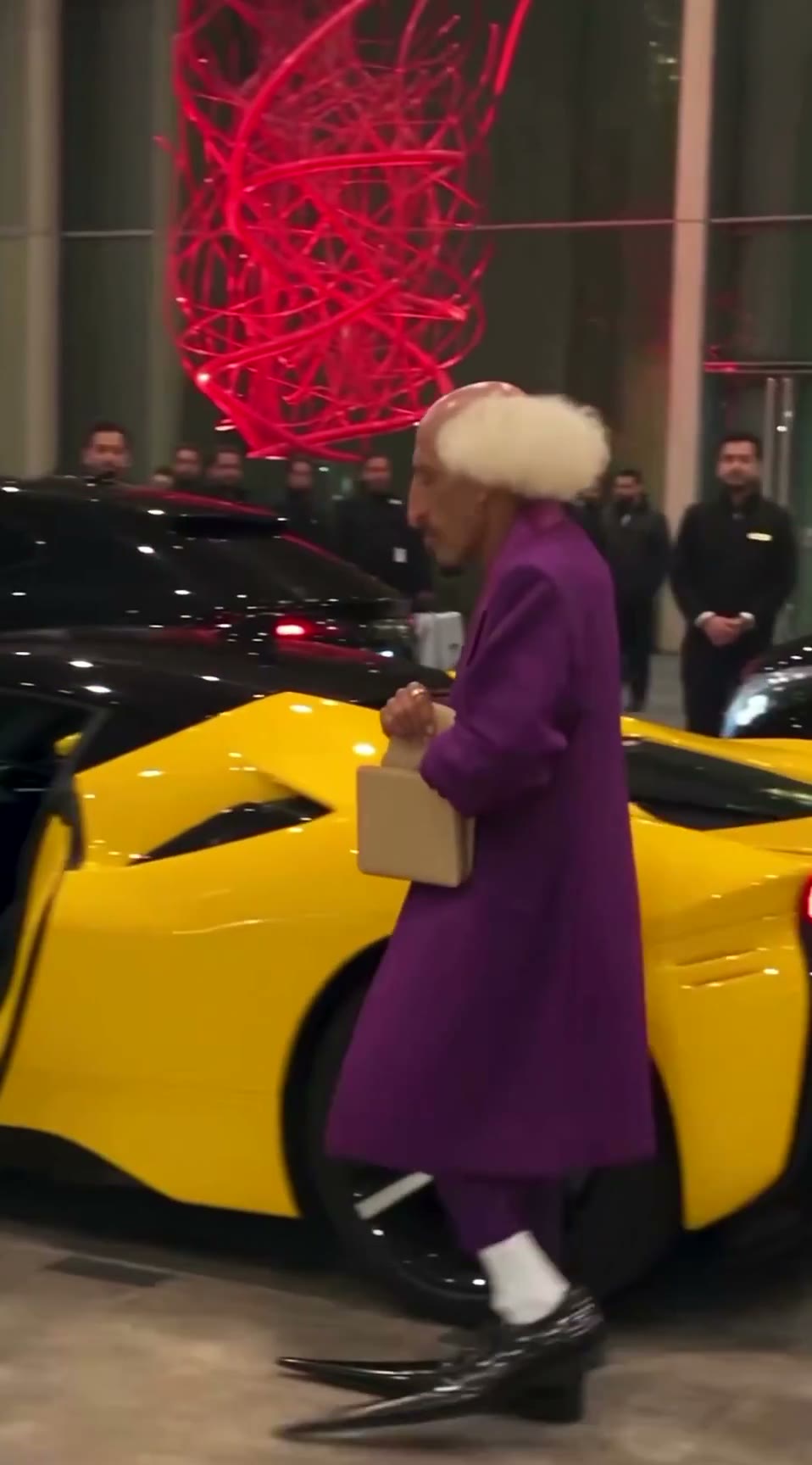
View all →The AI grandpa in a purple suit: how a recurring AI character clip is built to travel
A 19-second viral “AI grandpa” clip: how the character is locked by silhouette, shot as fake phone footage and cut to one late gag, and why retakes are the real cost.
Trailer shot list: from game description to timed beats
A fill-in prompt that turns a description of your game into a trailer shot list: timecodes on the beat grid, gameplay or camera for each shot, captions, music cues and a capture checklist.
Making a scroll-stopping trailer for your AI-made game
How to make the 30–90 s trailer or gameplay demo that most of the AI-made games we studied were posted with: clean 60 fps capture, in-engine camera paths, a hook in 2 s, a cut on the beat, captions, and 16:9 plus 9:16 masters.
Keyframe image-to-video: start/end frames and chaining
Build AI video from designed stills instead of text: start and end frames, 5–10 s clips chained into a sequence with identity and light held steady, the best takes picked, then upscaled and interpolated.
Blender whitebox as a shot plan: lock layout and camera before you roll AI video
Sac has been driving AI video with Blender gray-box renders to cut rerolls. His side-by-side shows why: one prompt, two models, two different stagings. How the whitebox route works.