Blender to the web: a glTF pipeline for Three.js and Unity
From the OpenDrama Create Wiki
A model that looks fine in Blender can still sink a browser game. The browser has to download it, the GPU has to hold it, and a phone has to draw it 60 times a second with a fraction of a laptop's power. This is the export recipe we use to get from a Blender scene, hand-made or straight out of an image-to-3D tool, to GLB files that load in seconds and hold frame rate in Three.js or a Unity web build.
Order matters: set the budget, decimate, bake, size the textures, name things, compress once at the end, then measure on a real phone. Skip the budget and you spend a week optimising the wrong thing.
When to use it
Use it whenever a 3D asset leaves Blender for a browser. You need it most when:
- Your meshes come from Tripo, Meshy, Rodin or Hunyuan3D. Raw outputs are often 100k–500k triangles with 2K–4K textures per object; ten of those make a desktop-only scene.
- The game holds 60 fps on your laptop but 15–25 fps on a mid-range phone, or the phone tab reloads itself after a minute. That is GPU memory, not your code.
- The first download is over ~10 MB, or a single GLB is over ~5 MB.
renderer.infoshows more than ~100 draw calls or ~200k triangles in view on a phone.
If your scene breaks any of those numbers, the steps below are where the time goes. You can skip most of it for a desktop-only product viewer with one model, and for greybox prototypes, where boxes beat any optimisation. If the meshes come from an image-to-3D tool, clean them first with image-to-3D assets and come back here for export.
Members read on
The rest of this page is for members
- 15 more steps
- 4 reference tables
- 6 more sections
Create a free account, top up once — from $0.99 — and the whole wiki is yours.
- Every breakdown, Skill and Prompt
- New pages every day
- Prompts copy in one tap
See also
Breakdowns that use this

More in 3D
View all →A little ghost on rainy water: a Three.js cloth shader, designed by GPT 6 Astra, coded by Opus 5.5
Chetan Ankola made a lantern-carrying ghost in the browser: rain, black water, fabric that flutters. GPT 6 Astra did the design, Claude Opus 5.5 wrote the Three.js. We look at the cloth, the light and five small interactions.
One prompt, four agents and a critic: Gemini 4 Argon builds a Japanese temple in Blender
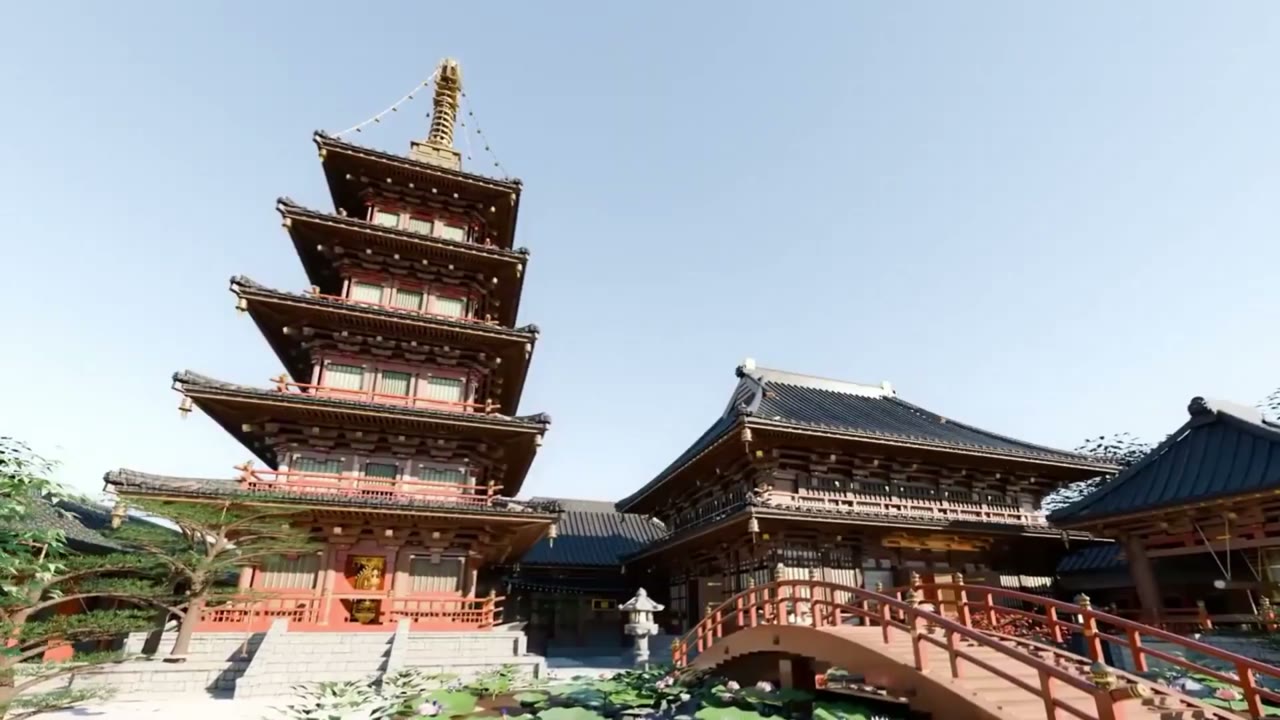
Gemini 4 Argon in Antigravity built a Japanese temple complex with a five-storey pagoda in Blender from one prompt. We unpack that prompt: a skill doc, blueprints, Nano Banana references, four specialist subagents and a critic.
Same prompt, new result: Gemini 4 Argon builds a da Vinci workshop in Antigravity
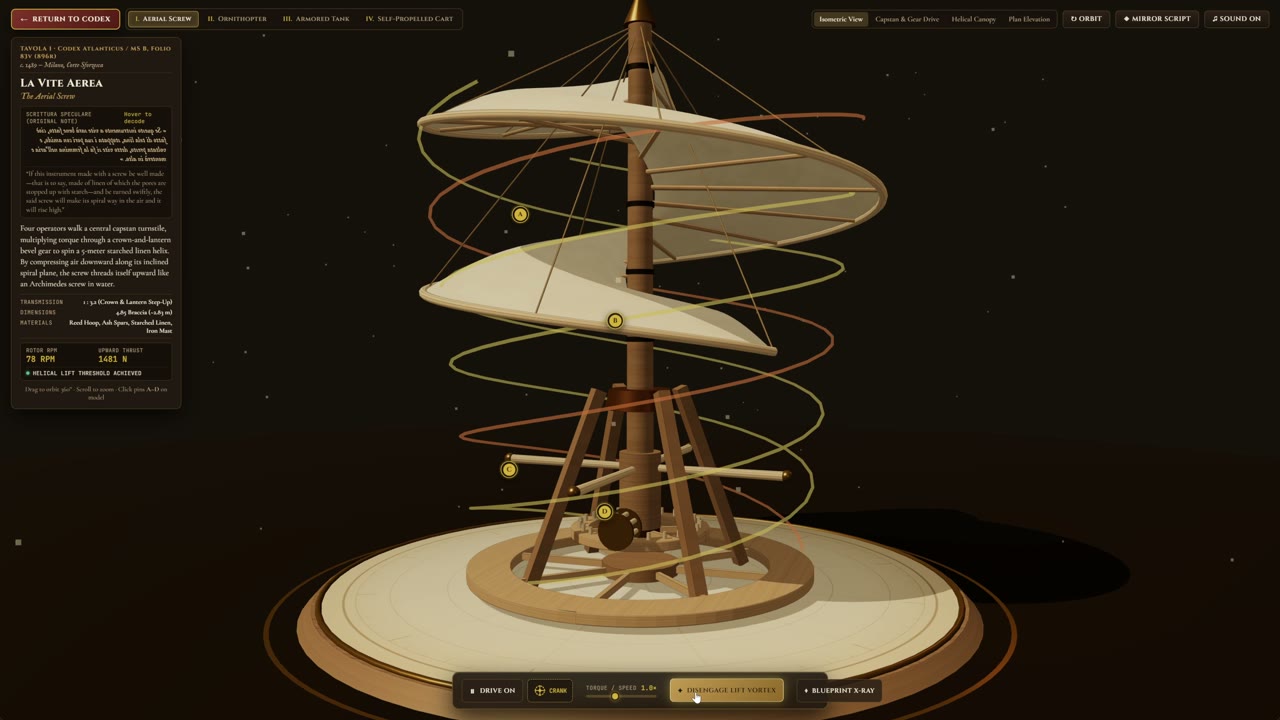
maxescu re-ran @techhalla's exact Gemini 4 Argon vs Opus 5.5 prompt in Antigravity and got a four-machine da Vinci museum. How the scene is built, and why one run per model proves little.