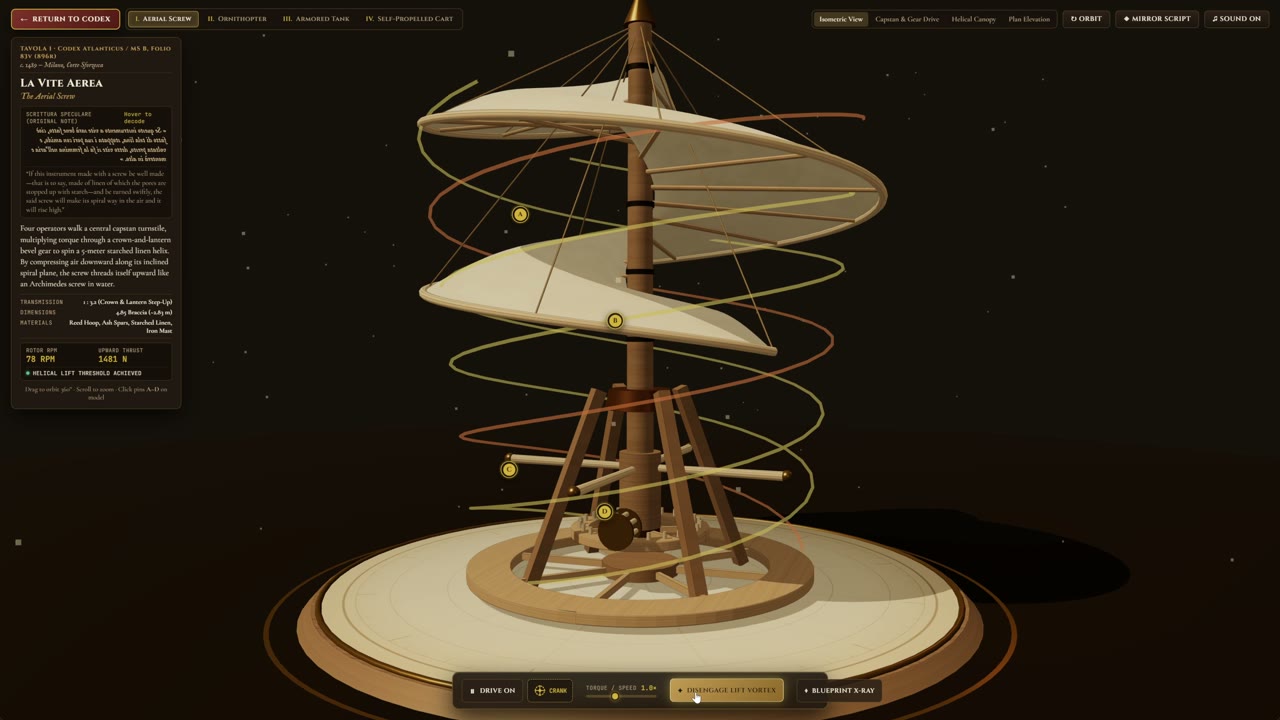
Blender MCP build rules: a project prompt for agents
From the OpenDrama Create Wiki
An agent connected to Blender will build whatever you ask, at whatever scale it guesses, with names like Cube.047. This page is the prompt to put in front of it first: scene conventions, style rules drawn from your references, code habits that keep the scene editable, and a self-check protocol with fixed-camera renders. It turns "build me a temple" into a scene with the right proportions, findable names and a render log you can review. Two companion prompts come with it: one turns reference images into numbered rules, the other runs a separate checker agent.
What it's for
Use it at the start of any Blender MCP session where the agent builds a scene, not for a one-line edit ("bevel the selected objects" doesn't need a page of rules). Each part of the prompt answers a failure you will otherwise meet in the first hour:
| Without it | The rule that fixes it |
|---|---|
| A 40 m door, a 30 cm temple | Metres, a grid, scale anchors, dimensions in every report |
Cube.047, everything in the scene root | Naming convention and a fixed collection tree |
| A generic "fantasy temple" | Numbered style rules with measurements, drawn from your references |
| Duplicates after every fix, a scene nobody can change | Tagged, re-runnable functions, live modifiers, instances |
| "Looks great!" with no evidence | Numeric report and fixed-camera renders after every stage, with a loop limit |
| Your hand edits or last hour's work gone | Protected collections and a saved copy per stage |
The three blocks have different jobs. Build rules goes in once and stays for the whole session; in clients with a project instructions file (CLAUDE.md in Claude Code, a rules file in Cursor), put it there. References to rules runs once per project, and its output, edited by you, fills {style_rules}. Check pass runs in a second agent or a fresh session after each stage, because a builder checking its own render is too easily satisfied. The model must read images, or the loop only checks numbers. The technique behind it is on building Blender scenes over MCP.
Members read on
The rest of this page is for members
- 4 copy-ready prompts
- 1 reference tables
- 6 more sections
Create a free account, top up once — from $0.99 — and the whole wiki is yours.
- Every breakdown, Skill and Prompt
- New pages every day
- Prompts copy in one tap
See also
Breakdowns that use this

More in 3D
View all →A little ghost on rainy water: a Three.js cloth shader, designed by GPT 6 Astra, coded by Opus 5.5
Chetan Ankola made a lantern-carrying ghost in the browser: rain, black water, fabric that flutters. GPT 6 Astra did the design, Claude Opus 5.5 wrote the Three.js. We look at the cloth, the light and five small interactions.
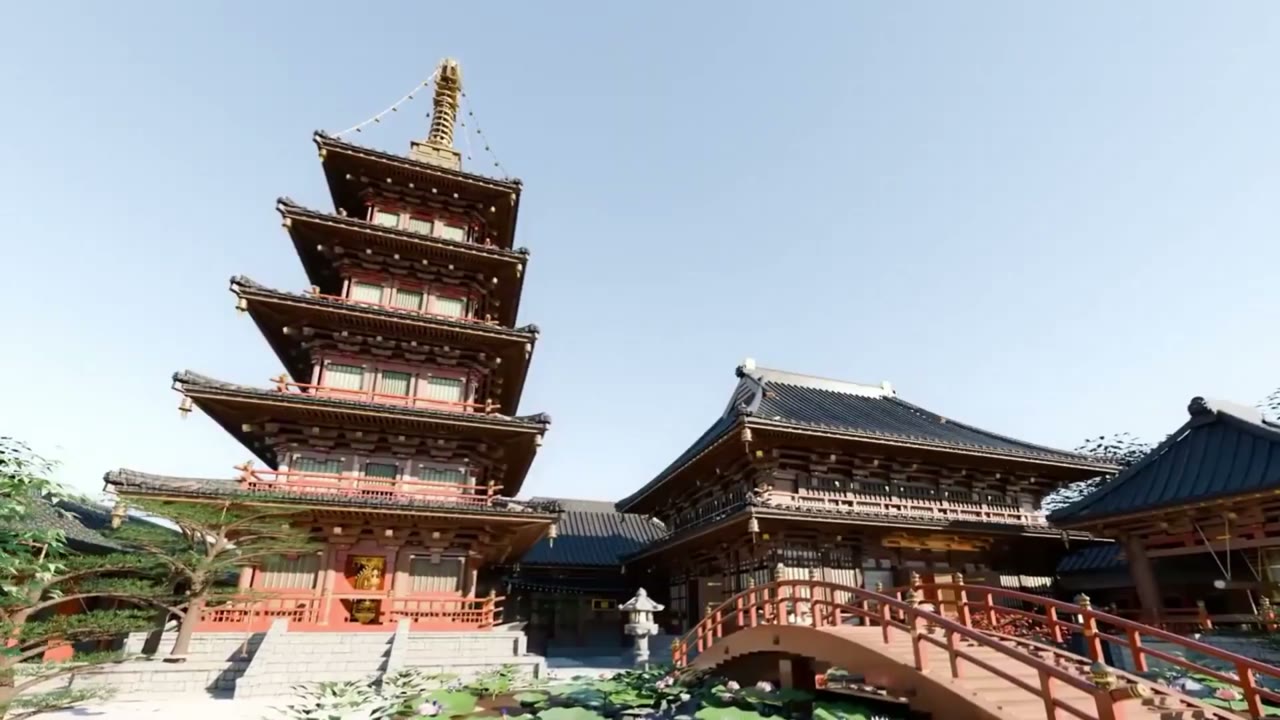
One prompt, four agents and a critic: Gemini 4 Argon builds a Japanese temple in Blender
Gemini 4 Argon in Antigravity built a Japanese temple complex with a five-storey pagoda in Blender from one prompt. We unpack that prompt: a skill doc, blueprints, Nano Banana references, four specialist subagents and a critic.
Same prompt, new result: Gemini 4 Argon builds a da Vinci workshop in Antigravity
maxescu re-ran @techhalla's exact Gemini 4 Argon vs Opus 5.5 prompt in Antigravity and got a four-machine da Vinci museum. How the scene is built, and why one run per model proves little.
Image-to-3D assets: from concept image to game-ready model
The full path from one concept image to a game-ready 3D model with Tripo, Meshy, Rodin or Hunyuan3D: input image rules, picking candidates, decimation and retopology budgets, UV and texture fixes, scale, pivot and export.