Building Blender scenes with an AI agent over MCP
From the OpenDrama Create Wiki
Blender MCP connects a coding agent (Claude Code, Cursor, Claude Desktop or any other MCP client) to a running Blender. The agent reads the scene, runs Python (bpy) inside it and looks at renders, so you describe a temple complex or a race track and it places, names and lights the objects. Creators already work this way: a temple complex built from a rules sheet and references, with separate agents planning, building and checking renders; a desk photographed from above and rebuilt as a racing track. Connecting takes ten minutes. A scene worth keeping takes three habits: rules with numbers, a check loop on renders from fixed cameras, and build scripts you can re-run.
When to use it
It shines when the scene can be described in numbers and parts:
- Architecture and environments. Temples, streets, interiors: anything made of repeated modules (bays, columns, steps, tiles). "5 bays of 4 m, columns 4.5 m tall" is already code.
- Blockouts. A plan or a photo turned into correctly scaled boxes in minutes, so you judge composition and play space before anyone models detail.
- Photo to scene. A desk, a room or a street corner measured from photos and rebuilt at a chosen scale.
- Batch work. Renaming 400 objects, merging duplicate materials, adding bevels, preparing exports.
Use it only for layout, or not at all, when the asset is organic (agents build with primitives and code, they don't sculpt: make characters and creatures with image-to-3D and let the agent place them), when you need animation-grade topology, or when you can't fix things in Blender yourself. The agent is a fast junior, not a substitute for knowing the tool.
Where image-to-3D hands you one fused mesh, this gives you named objects at real scale, in collections, with live modifiers, and a 40-object blockout in about ten minutes. You need a recent Blender, an MCP client, a model that reads images (or it can't check its renders) and a project folder.
Members read on
The rest of this page is for members
- 11 more steps
- 2 reference tables
- 6 more sections
Create a free account, top up once — from $0.99 — and the whole wiki is yours.
- Every breakdown, Skill and Prompt
- New pages every day
- Prompts copy in one tap
See also
Breakdowns that use this



More in 3D
View all →A little ghost on rainy water: a Three.js cloth shader, designed by GPT 6 Astra, coded by Opus 5.5
Chetan Ankola made a lantern-carrying ghost in the browser: rain, black water, fabric that flutters. GPT 6 Astra did the design, Claude Opus 5.5 wrote the Three.js. We look at the cloth, the light and five small interactions.
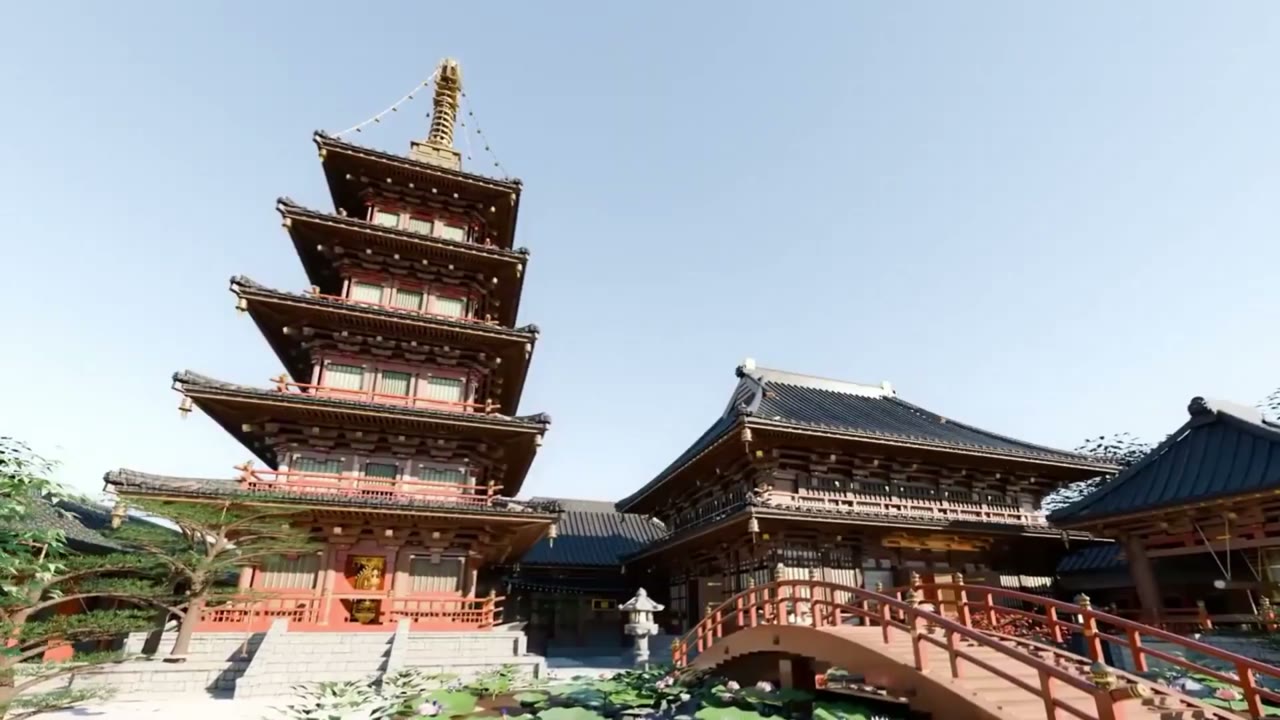
One prompt, four agents and a critic: Gemini 4 Argon builds a Japanese temple in Blender
Gemini 4 Argon in Antigravity built a Japanese temple complex with a five-storey pagoda in Blender from one prompt. We unpack that prompt: a skill doc, blueprints, Nano Banana references, four specialist subagents and a critic.
Same prompt, new result: Gemini 4 Argon builds a da Vinci workshop in Antigravity
maxescu re-ran @techhalla's exact Gemini 4 Argon vs Opus 5.5 prompt in Antigravity and got a four-machine da Vinci museum. How the scene is built, and why one run per model proves little.